了解最新动态和产品更新
获取帮助文档和使用指南
修改配置文件
/etc/default/grub
GRUB_CMDLINE_LINUX=
“net.ifnames=0 biosdevname=0“
设置生效
update-grub
修改配置文件
/etc/network/interfaces
auto eth0
iface eth0 inet static
address 10.10.10.201
network 255.255.255.0
gateway 10.10.10.1
dns-nameservers 10.10.10.1 114.114.114.114
重启主机即可
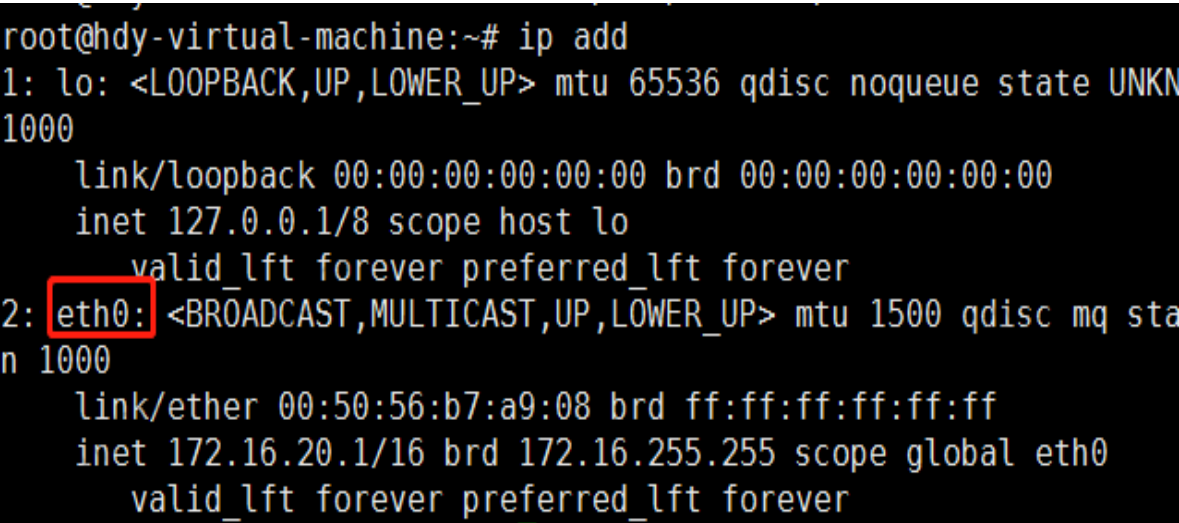
以上是关于“ubuntu如何将网卡名称修改为eth0同时设置静态IP?”工具出现报错时的解决方法”的介绍,希望对大家有用!

扫码添加客服